
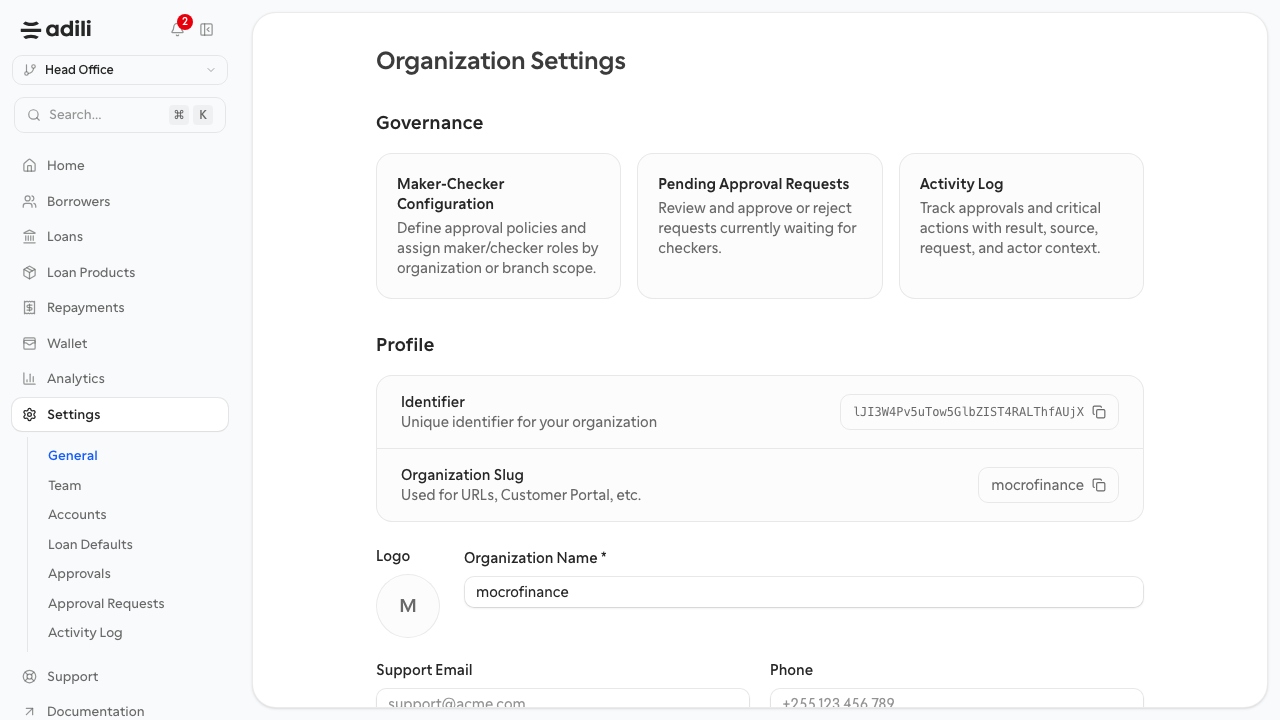
General Settings
Review the core organization and branch information used throughout the dashboard.
General settings is where teams confirm they are operating in the correct organization context.
Purpose
Use this page to verify the basic organization and branch setup before making process decisions.
What to review
- Confirm the organization name and branch context.
- Check any visible business identity or account-level information.
- Use this page as a quick sanity check when users say they are in the wrong context.
Expected result
Staff can confirm where they are working before they create or approve live records.
Troubleshooting
- If users report missing data, confirm they are signed into the correct organization and branch first.
- If branch behavior differs from expectations, review whether the problem is context selection rather than permissions.