
First Day In Dashboard
A practical first-day walkthrough for branch staff using the microfinance dashboard for the first time.
This tutorial is the fastest way to understand the branch workflow from sign-in to basic portfolio review.
Estimated time
15-20 minutes
Starting state
- You can sign in to the
mocrofinanceorganization. - You can access the
Head Officebranch. - You only need to observe and navigate; no new live records are required for this tutorial.
Steps
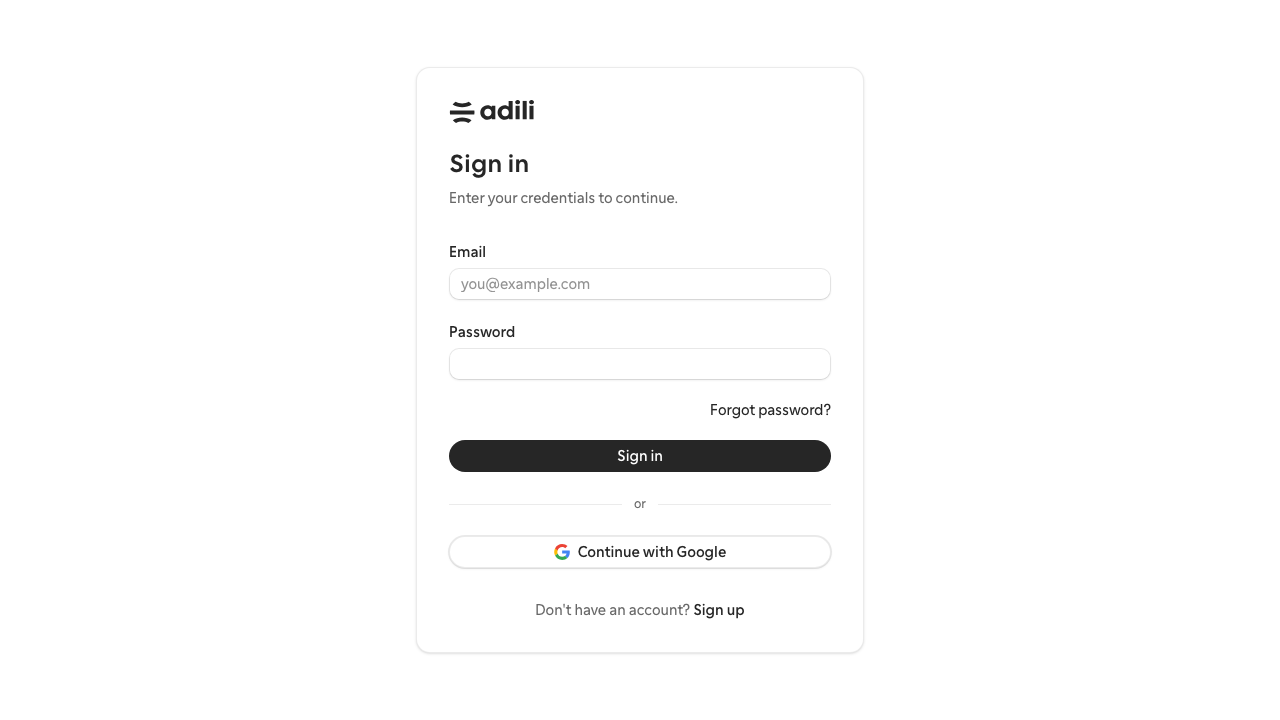
- Sign in and select the branch context.
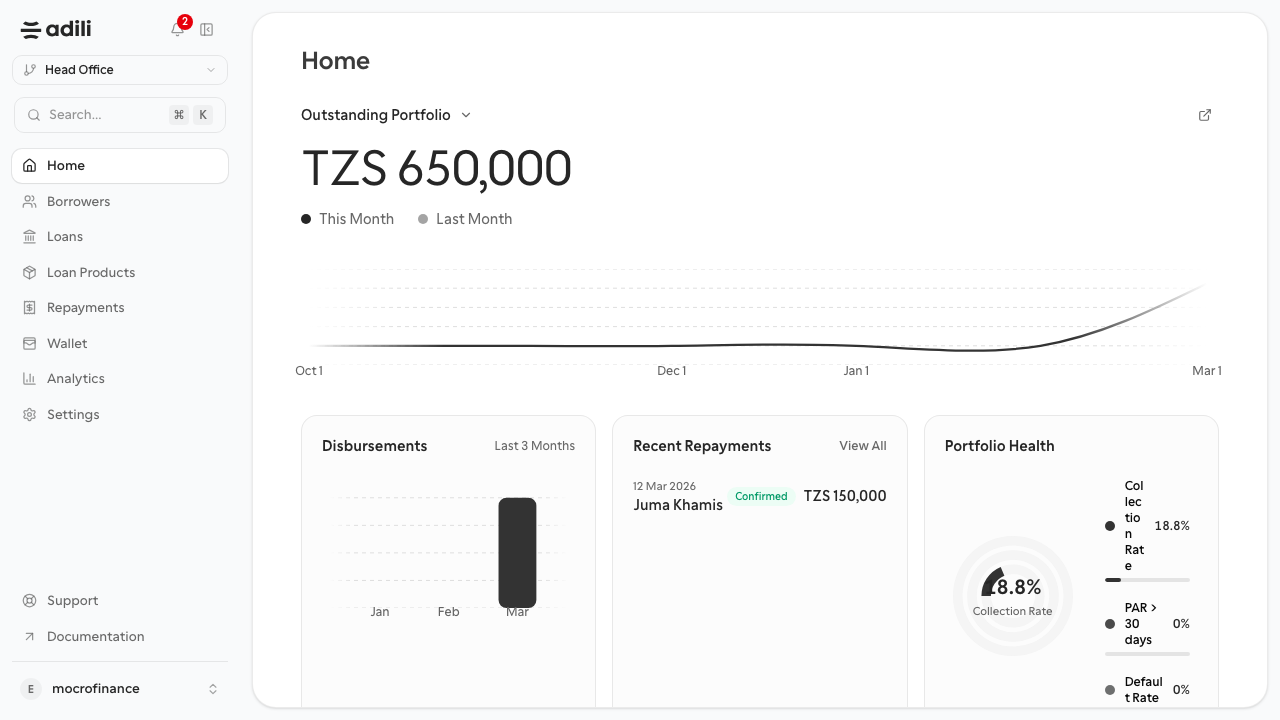
- Open the dashboard home page and identify the main metrics.
- Open Borrowers and confirm how to search for an existing customer.
- Open Loan Products and review the available lending catalog.
- Open Loans and identify the current application pipeline.
- Open Repayments and review where collections activity appears.
- Open Analytics and compare the main portfolio views.
- Open Settings and verify where general, team, and approval configuration live.
Screens to compare during the walkthrough
- Login and organization selection
- Dashboard home
- Borrowers list
- Loans list
- Analytics overview
Expected result
You can move confidently between the main sections of the dashboard and know where each core task belongs.
Validation checklist
- You can sign in without assistance.
- You can find the borrower list, loan products, loans, repayments, analytics, and settings pages.
- You understand which pages are used for setup and which are used for daily operations.